
Austin · Round Rock · Central Texas
Network Cabling & Wi-Fi Installation in Austin
Network cabling, Wi-Fi and new-construction pre-wiring for Austin businesses, builders and homes. Designed, installed and supported by one local team.
Start with what you need:
Then a written, itemized quote
75+
Combined years of experience
16
Industry certifications
200+
Homes and businesses helped
1 day
Typical install once gear arrives
Platforms we install: Ubiquiti UniFi · Cisco Meraki · TP-Link Omada · Aruba
Who we help
Networks for businesses, builders and homes
Every project gets the same on-site survey, written quote and clean, labeled install.
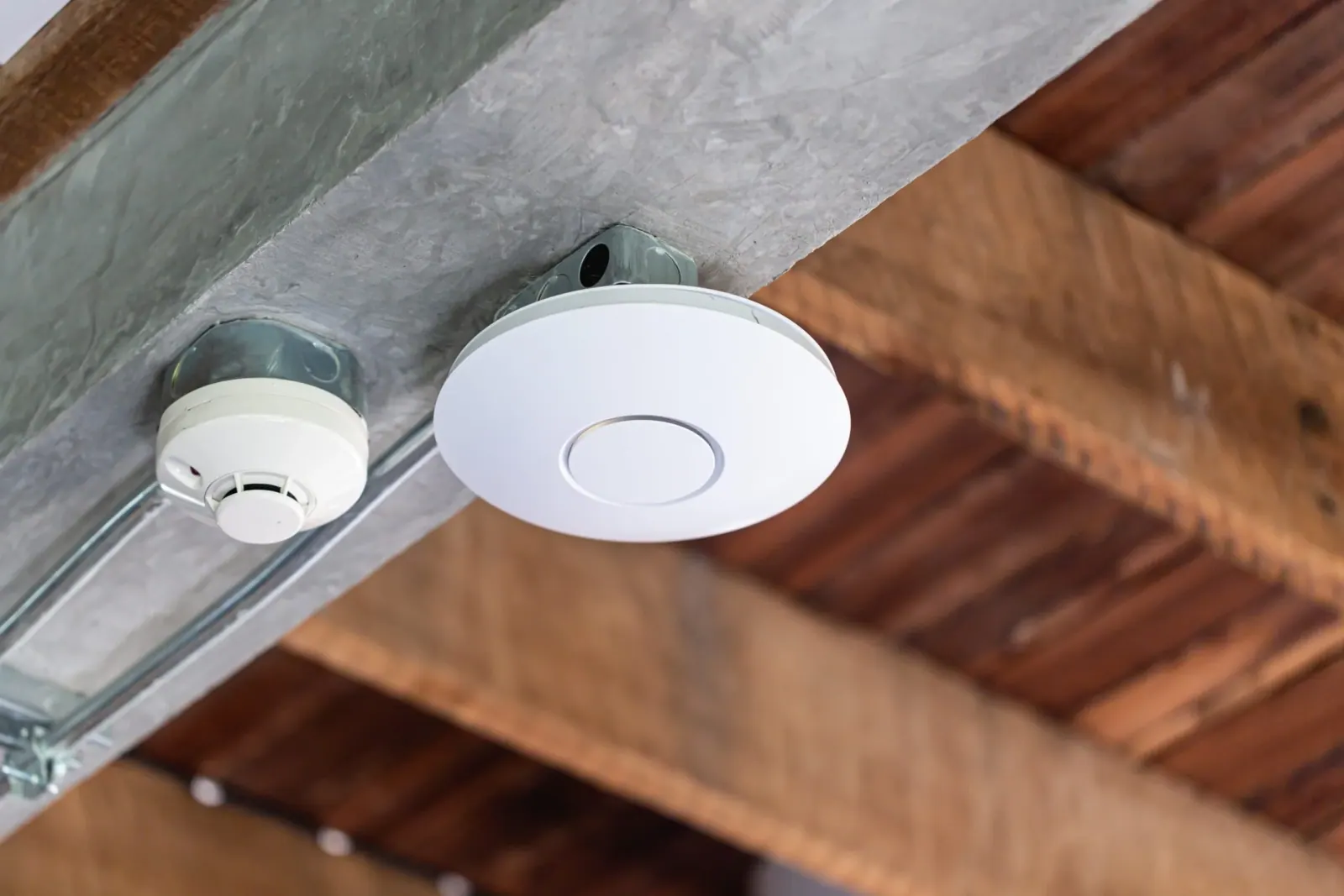
Separate staff, guest and POS networks with Wi-Fi that holds up at peak hours.
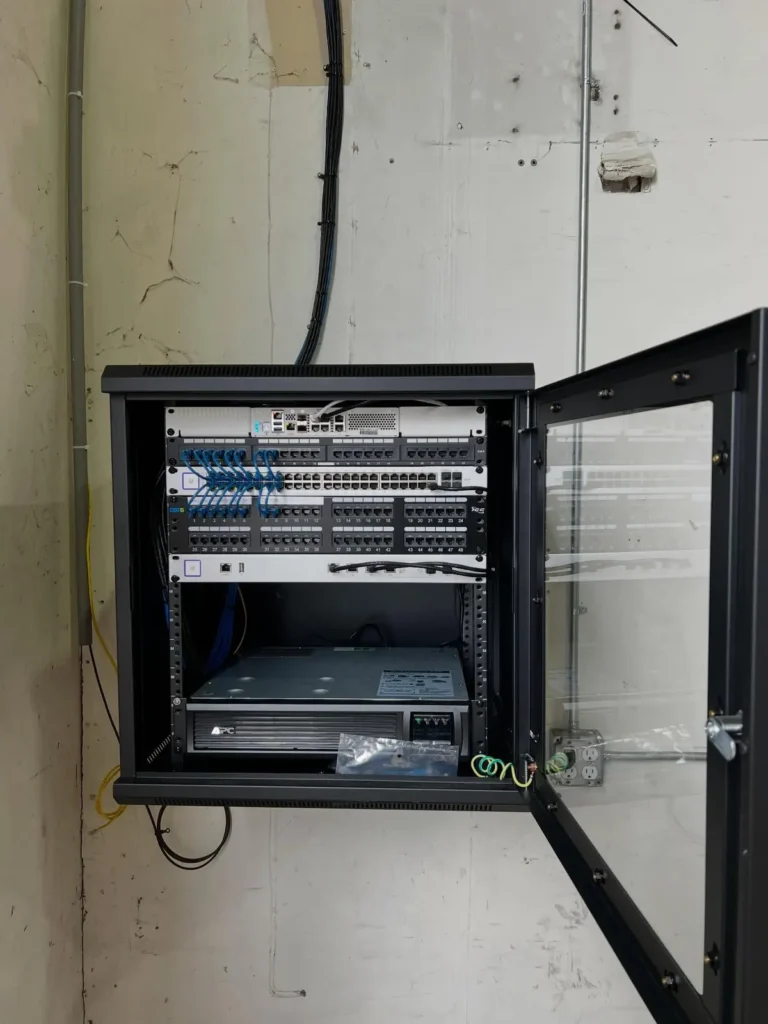
Network, access point and camera pre-wiring, coordinated with your trades.
Fast Wi-Fi in every room and wired connections where they count.
We also install security cameras, door access control and smart home automation. See all services.
For builders & general contractors
Pre-wiring that keeps your schedule
We plan network, access point and camera locations from your drawings, rough-in when your schedule says so, and come back to trim out, test and hand over a documented system.
- One point of contact for all low-voltage rough-in
- Rough-in timed with electrical, done before drywall
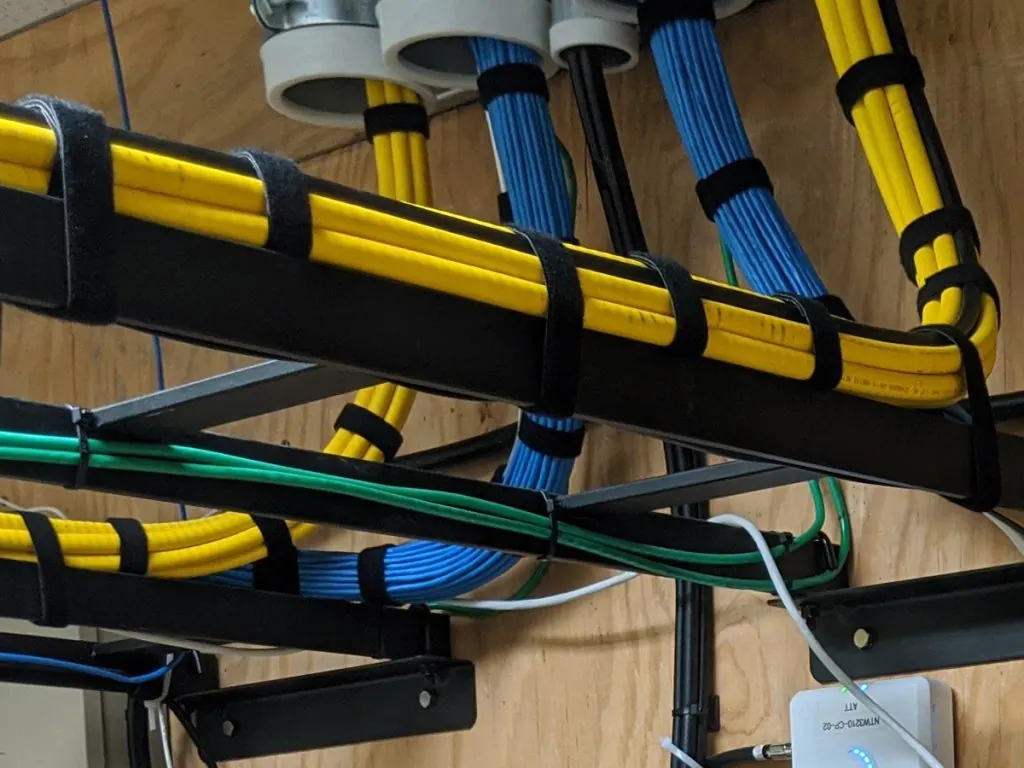
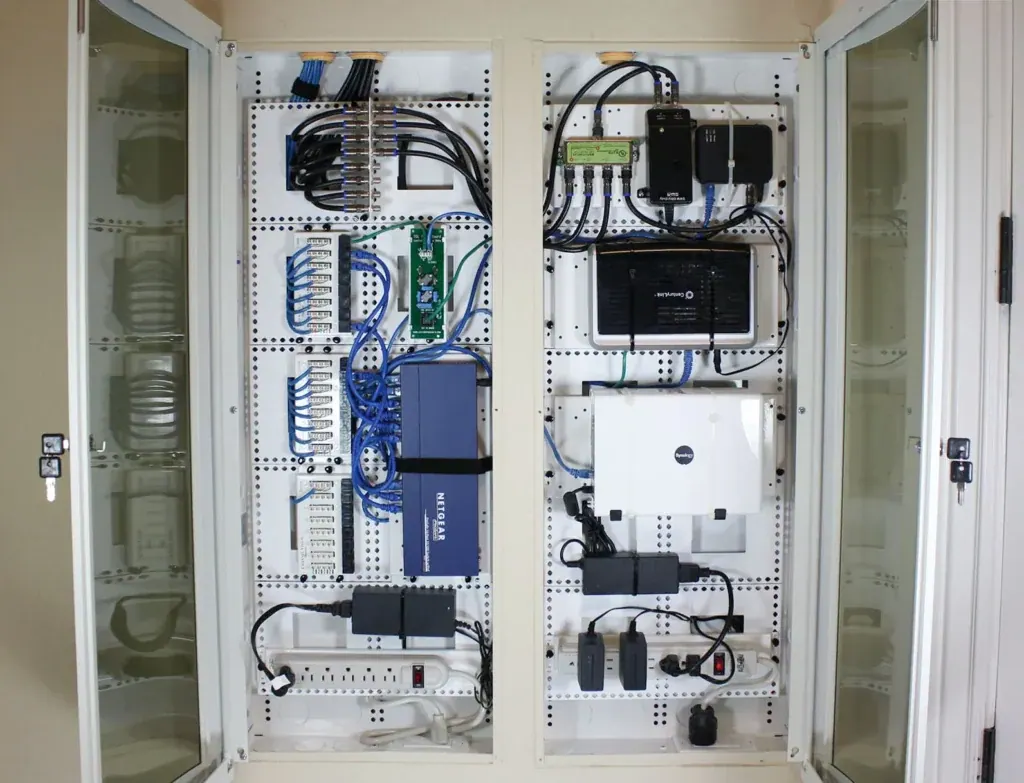
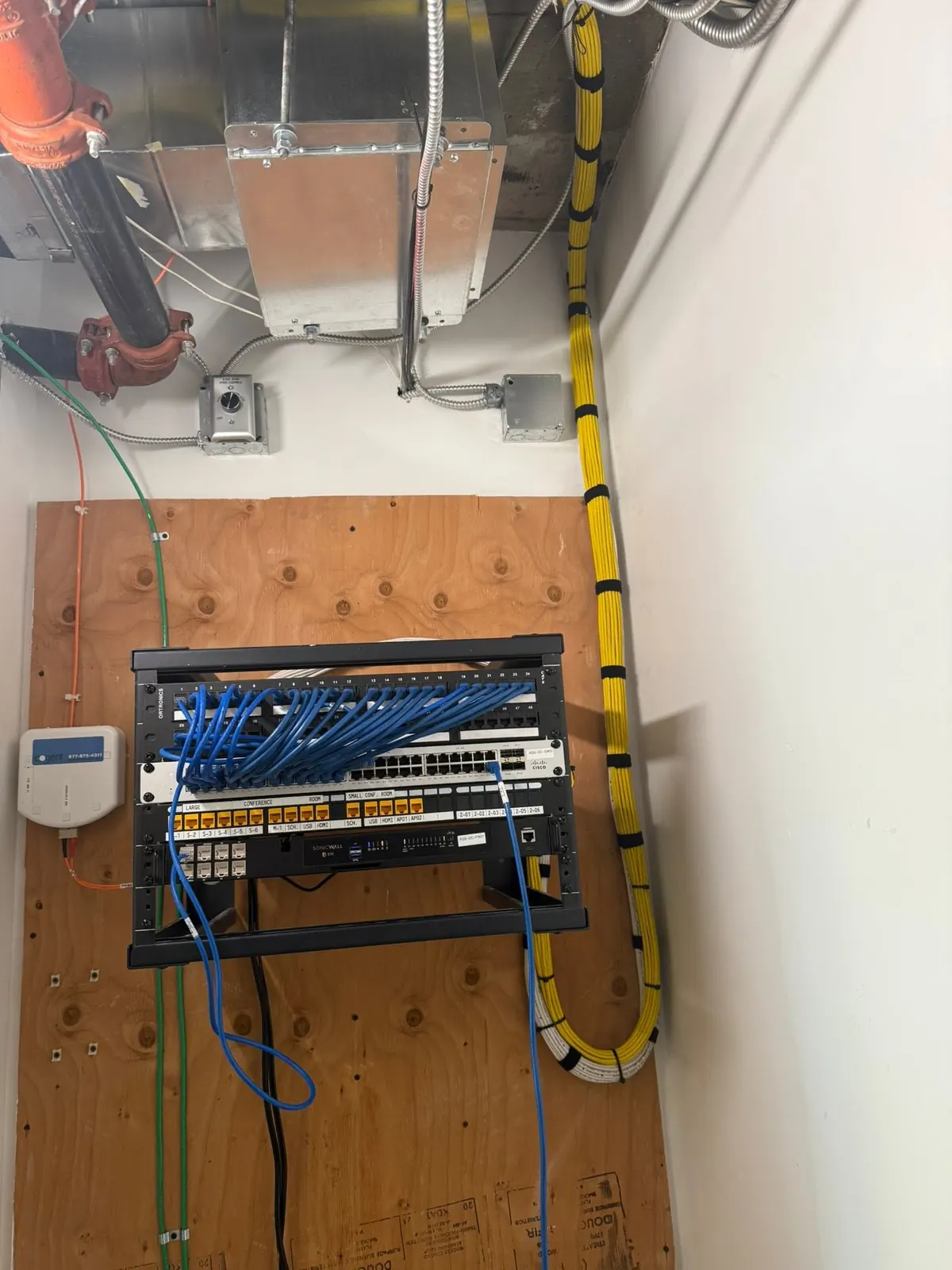
- Clean, labeled runs to a central network closet
- Trim-out, room-by-room testing and a documented handoff
How it works
From walkthrough to working network
Step 1
Site survey
We walk the space, measure it and run a coverage check to see where the signal drops and why.
Step 2
Design and written quote
We plan the access points, cabling and gear for your layout and give you a written, itemized quote with a couple of options.
Step 3
Clean install
Hard-wired access points, labeled cabling and tidy mounting. Most homes and small businesses take one day.
Step 4
Testing, handoff and support
We test room by room and hand over a network diagram, logins and guest Wi-Fi details.
“Bryce came out for a consult and caught that we’d bought the wrong access points for our layout. Now customers tell us our Wi-Fi is the fastest around.”
Leah J., Coffee Shop Owner
“Video calls in our mid-rise office used to freeze or drop constantly. Every desk can hard-wire if needed and Wi-Fi coverage is rock-steady. No more help-desk complaints.”
Janet S., Office Manager
“Braxton set up our home network and made the whole process easy. He walked us through a few options, pricing was fair, and the install is super tidy.”
Marcus D., Homeowner
Industries
Built for how your business runs
Service area
Austin, Round Rock and Central Texas
Based in Austin and working from Waco down to San Antonio. Find your city for local details.
FAQ
Common questions
Still have a question? Send it through the quote form and we’ll get back to you.
What’s included in the on-site consult?
We walk the site, measure the space, run a coverage check, recommend the gear and give you a written, itemized install quote with a couple of options. There’s no charge for the consult.
How soon can you install after the consult?
Most home and small-business installs are scheduled within 1–2 weeks of the consult and take a single day once the gear arrives. Larger projects are scheduled during scoping.
Do you work with builders on new construction?
Yes. We plan and pre-wire networking, access point locations and camera drops for new builds and remodels, coordinate with your trades and hand off a documented system.
Can you use my existing equipment?
Often, yes. If your current router or access points are solid, we reuse them and fill the gaps. If they are the bottleneck, we explain why and give you options.
What brands do you install?
We usually install Ubiquiti UniFi because it is reliable, scales well and gives you clear visibility into your network. We also work with Cisco Meraki, TP-Link Omada and Aruba when they are the better fit.
From the blog
Wi-Fi and network tips
Home Wi-Fi
Why Is My Wi-Fi Slow in Some Rooms? 7 Common Causes
Wi-Fi slow in some rooms but fast at the router? Here are the 7 most common causes of dead zones in Austin homes and the fixes that actually work.
Read the article
New Construction
New Build Network Pre-Wire Checklist: What to Wire Before Drywall
Use this new build network pre-wire checklist to plan Wi-Fi access points, Ethernet drops, cameras and a network closet before drywall in Central Texas.
Read the article
Home Wi-Fi
Mesh Wi-Fi vs. Hard-Wired Access Points: Which Is Right for Your Home?
Mesh Wi-Fi or hard-wired access points? Learn how they differ, when each makes sense, and why wired backhaul matters for larger Austin homes.
Read the article
Ready for a network that just works?
Tell us about your business, build or home and we’ll send a written, itemized quote with clear options.